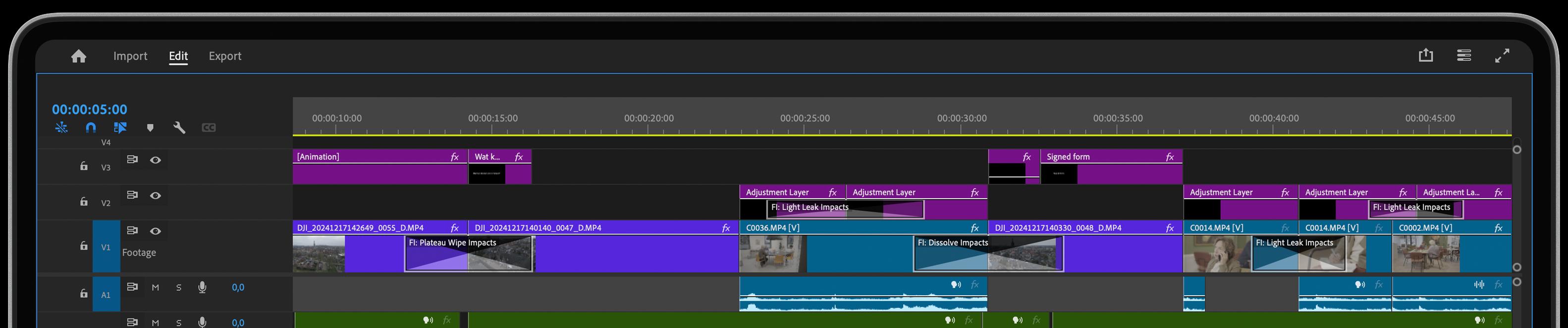
This update introduces a range of powerful new features, visual enhancements, and performance optimizations designed to elevate your workflow and creative capabilities. From expanded functionality in animation impacts to refined rendering options and key fixes across plugins, these updates ensure a smoother, more intuitive experience. Below, you’ll find a detailed overview of what’s new, improved, and optimized in this release.
New Features:
- Star Wipe Impacts: Added Perspective feature + Grow applied to shadow
- Split Impacts: Added Softness feature
- Spin Motion Impacts: Improved Anchor Calculations
- Animation Transitions: Overlay visualizations added (except Spin Motion)
- Soft Wipe, Stretch Impacts, Flare Impacts, Zoom Blur: New Arrow Overlays
- Text Animator: Motion Blur fix for small fade values
- Dissolve Impacts: Rounded gamma value fix
- Color parameter defaults aligned with brand colors
Performance and UI Improvements:
- Rendering: Advanced setting to turn off software rendering
- Metal texture creation fortified
- Stability improvements across plugins
Key Dot Releases:
25.0.11:
- Frame timing update
- Panel Wipe moved to the Transformers category
- UI improvements across the Essentials Collection
25.0.10:
- Enhancements to Star Wipe, Split Impacts, Spin Motion, and Flare Impacts
25.0.8 - 25.0.6:
- Bokeh Blur FX improvements
- Wonderglow Alpha Handling improved
- Blend modes updated for EdgeGlow, EchoGlow, and Volumetric Rays
- CEP Panel Stability Improvements